
CHANI - Design system
02
chani
2024
When I first joined CHANI as Product Designer, I inherited a Figma file that was more of a loose collection of screens than a working design system. Components were inconsistent, documentation was sparse, and the engineering team had been filling in the gaps by designing missing screens themselves. With the Android launch fast approaching, I knew the foundation needed to be rebuilt — and fast.
Over four sprints, I designed and implemented CHANI's first comprehensive design system: a scalable, accessible, and well-documented system that unified the iOS and Android experiences and transformed how design and engineering worked together.
GOALS
Create a single source of truth for design components and visual standards
Improve handoff efficiency and reduce back-and-forth between design and engineering
Establish accessibility as a core pillar of the product's visual language
the challenge
The closer we got to the Android launch deadline, the clearer it became that our design-to-engineering process was broken. Designs were hard to locate, wireframes were missing entirely for large sections of the app, and there was no shared language between the design and engineering teams. Every handoff required lengthy explanation. Every QA cycle surfaced new inconsistencies.
The absence of a design system wasn't just a design problem — it was slowing down the entire product team at the worst possible time.
Business need: Accelerate the Android launch by eliminating design ambiguity and reducing the time engineers spent interpreting, questioning, or rebuilding designs from scratch.
the audit
the ux Audit
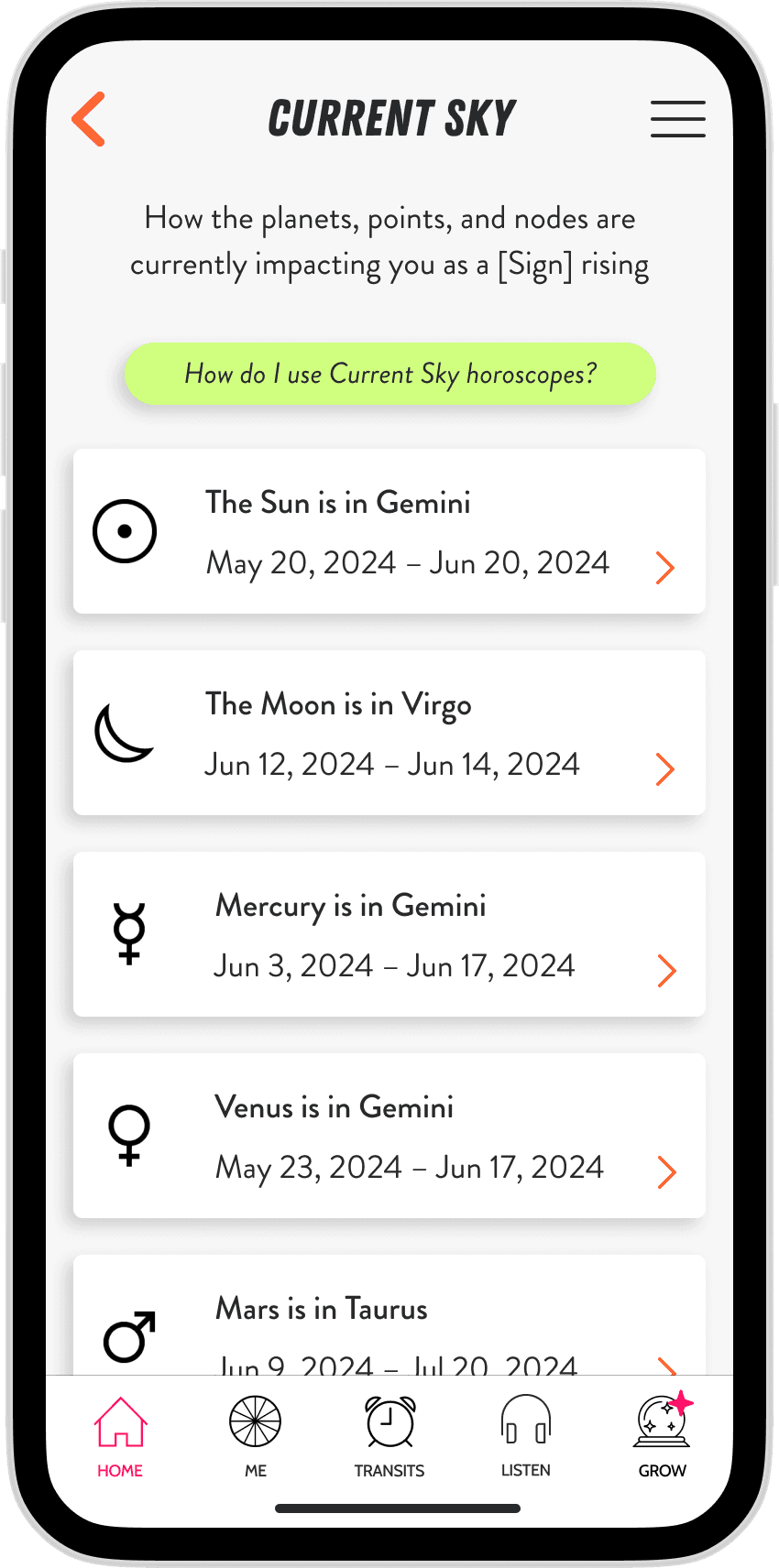
inconsistent components: There were multiple variants of buttons, badges, and cards with no clear rules for when to use which.
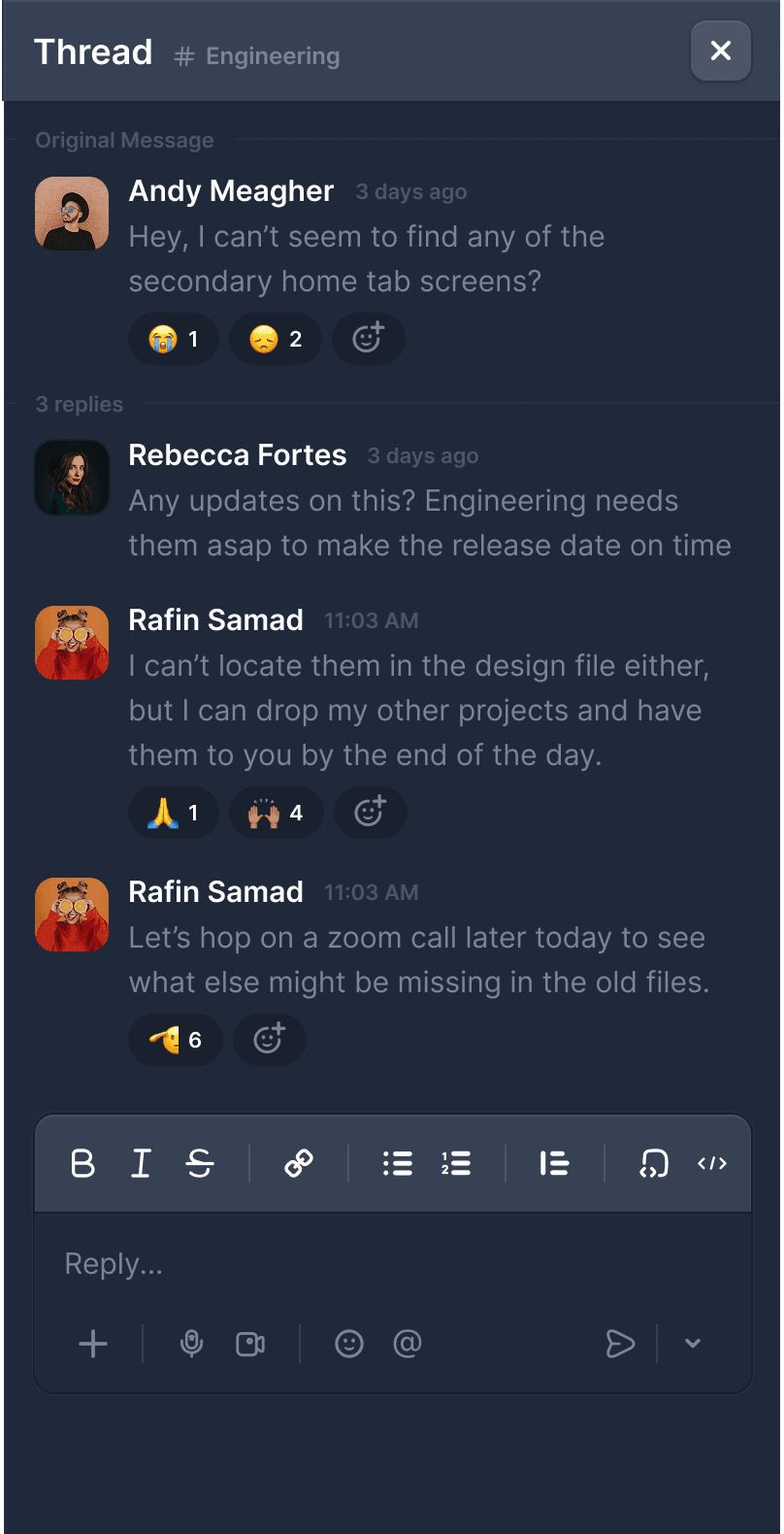
One of the most valuable things I did early in this process was sit down with the engineering team and listen. I wanted to understand not just what was broken, but what they actually needed from a design system to do their jobs well.
Their input directly shaped what we built. They flagged missing elements that weren't obvious from the design side: explicit spacing standards, color hex codes, clear button states, and platform-specific variants. Building the system with them and not just for them, was one of the best decisions I made on this project.
🎛️
no consistency
Buttons, badges, and cards existed in multiple inconsistent variants with no rules for when or how to use them.
⚖️
no scale
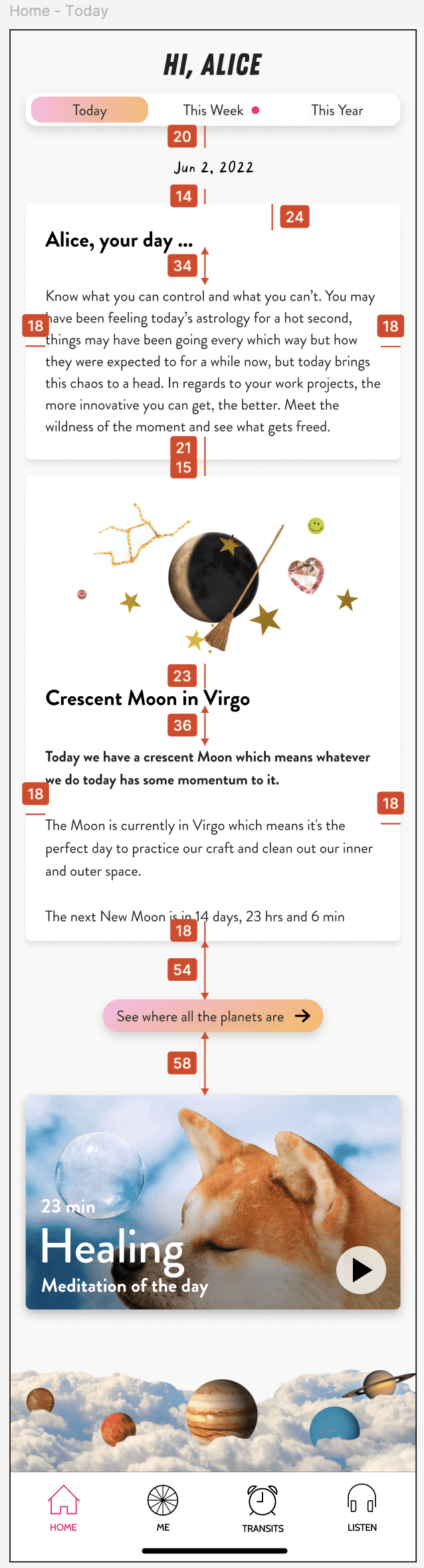
Without an underlying scale, padding and type hierarchy varied screen to screen, making the product feel unpolished and hard to build from.
📑
no documentation
A significant portion of the app had no design files at all, forcing engineers to make design decisions that weren't theirs to make.
👨🏼💻
a seat at the table
The engineering team's real needs like hex codes, spacing standards, platform variants weren't visible until I asked, making collaboration the most important research tool of the project.
how might we…
the process
solution one: the design system
I used Atomic Design principles as the foundation, building up from the smallest tokens to full components. I also made accessibility a non-negotiable pillar from the start — referencing iOS Human Interface Guidelines and Material Design to ensure every decision was grounded in platform standards.
design tokens: A consistent sizing scale, color palette with hex codes, and spacing standards applied across the entire app
typography scale: A clear hierarchy distinguishing header styles from body text, with defined weights and sizes for each
component library: Buttons, badges, cards, inputs, and other UI elements, each with defined use cases, variants, and states
platform variants: Where iOS and Android diverged, the system documented both so that engineers always knew which version applied
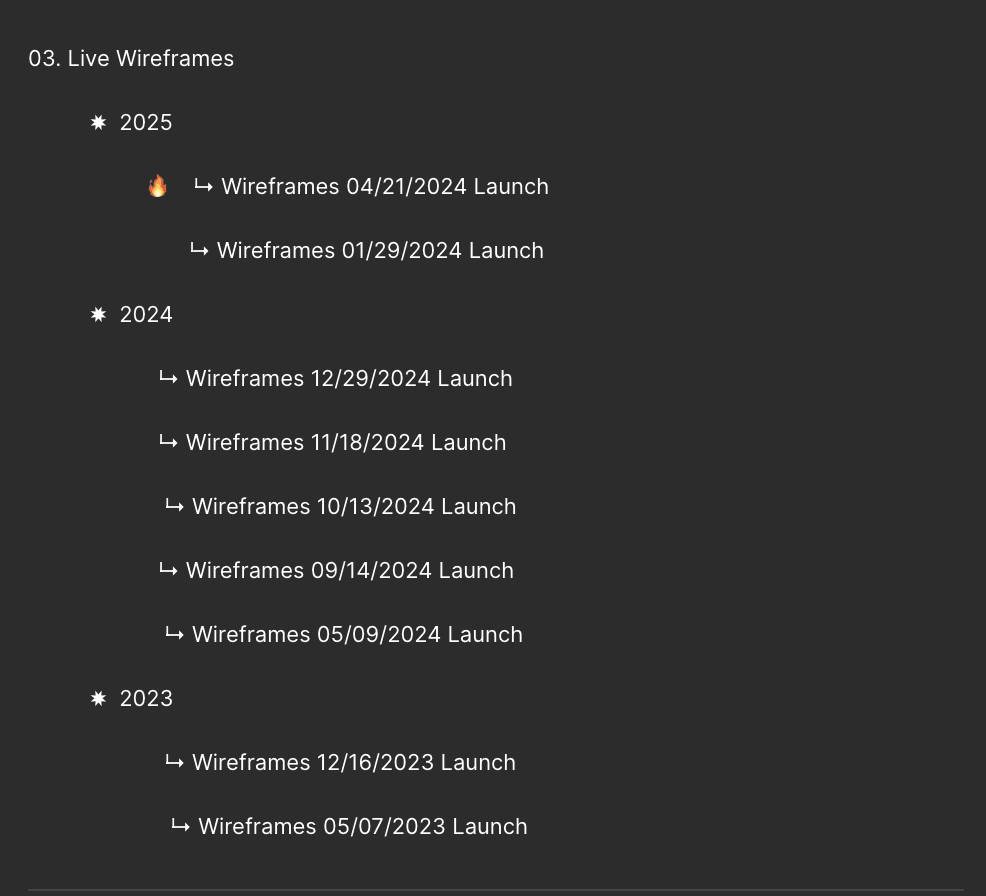
One of the most painful day-to-day problems was that there was no single place to find the current state of the app. Designs were scattered, outdated versions were hard to distinguish from current ones, and teams outside of design (like marketing, content, and CX) had no reliable reference.
I built a dedicated Figma file separate from the design system to house all app wireframes, organized by release. This file became the shared source of truth for the entire company, not just the product team. I maintained it meticulously through every new release, so it always reflected the live product.
A design system is only as good as the team's ability to use it. I put significant effort into making sure the engineering team was not just handed a file, but actually understood how to work with it.
I ran walkthroughs of the design system in Figma, explaining how to navigate components, read documentation, and interpret handoff specs. I also made the decision to join the engineering team's sprint schedule, a move that transformed our collaboration almost immediately. Once I was part of their sprint cadence, we could discuss design changes in real time, catch issues early, and move much faster together.
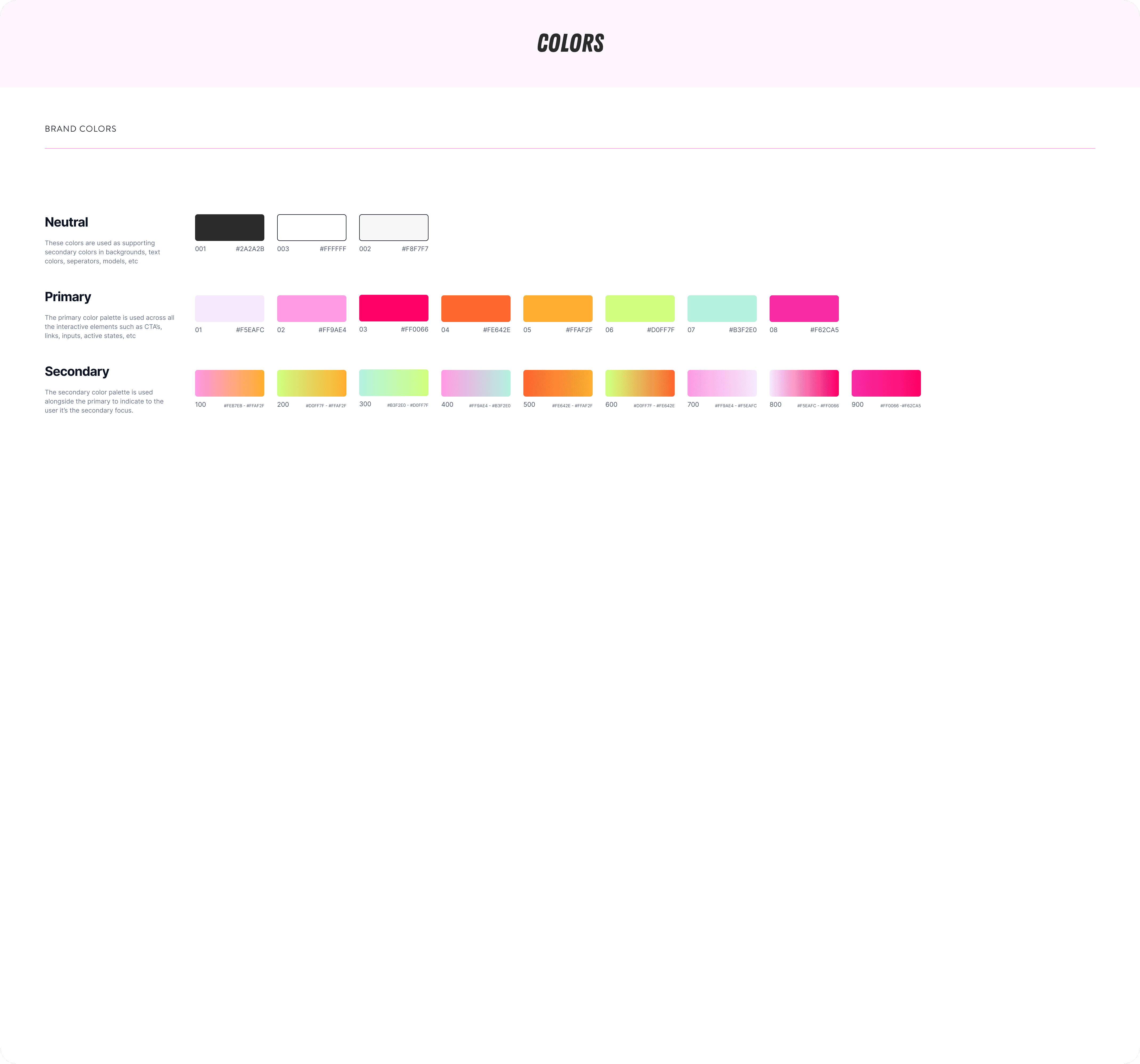
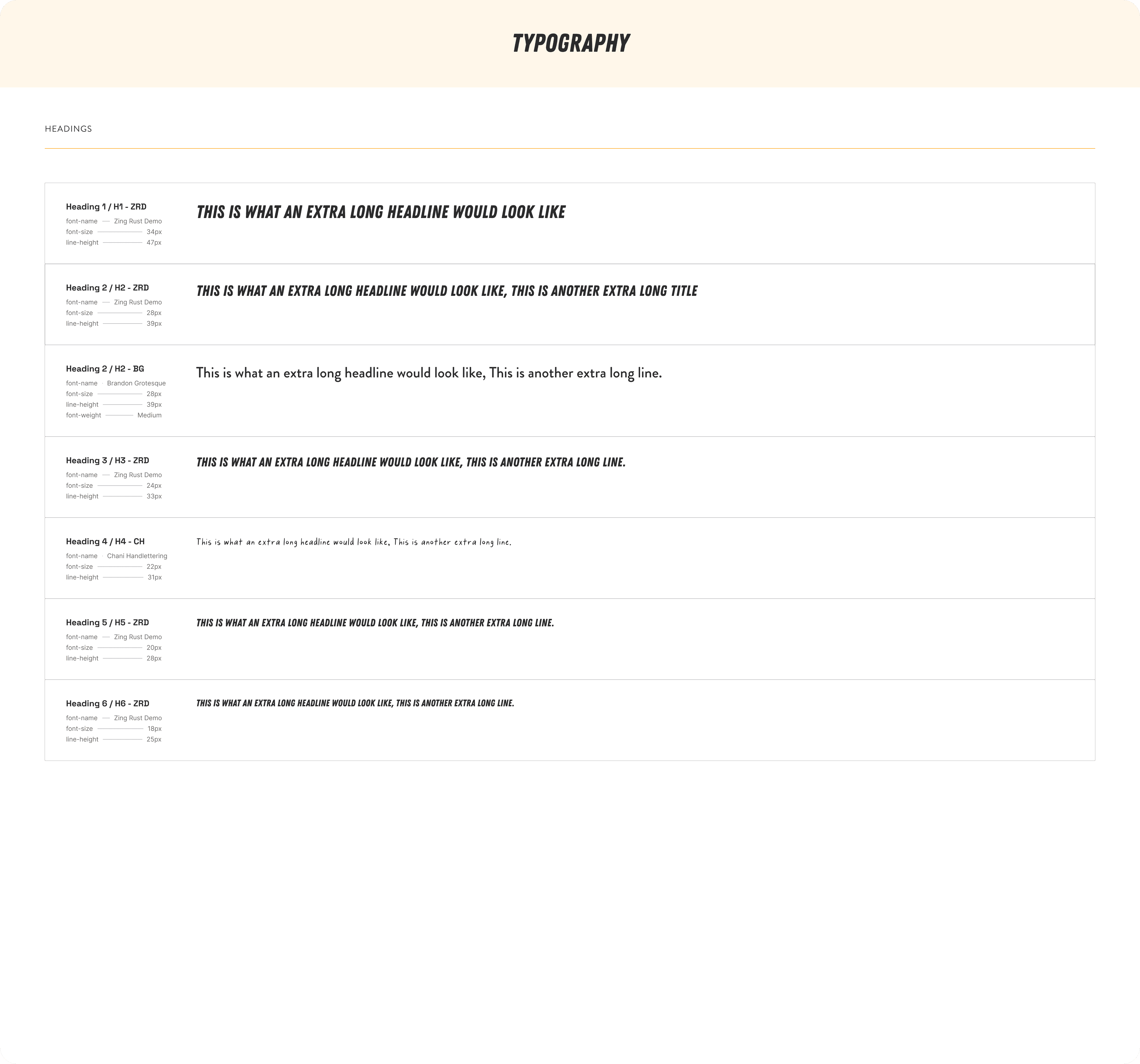
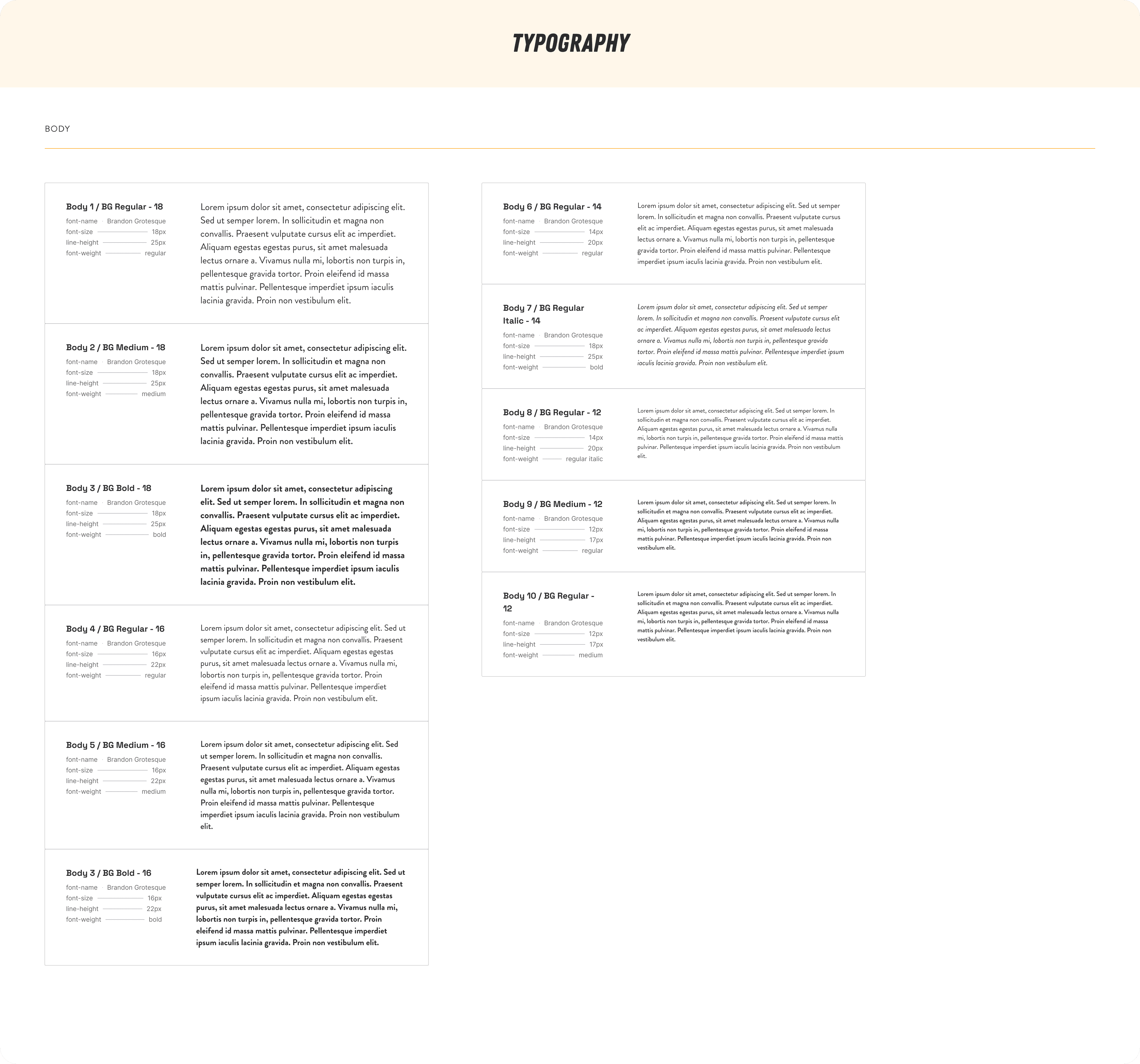
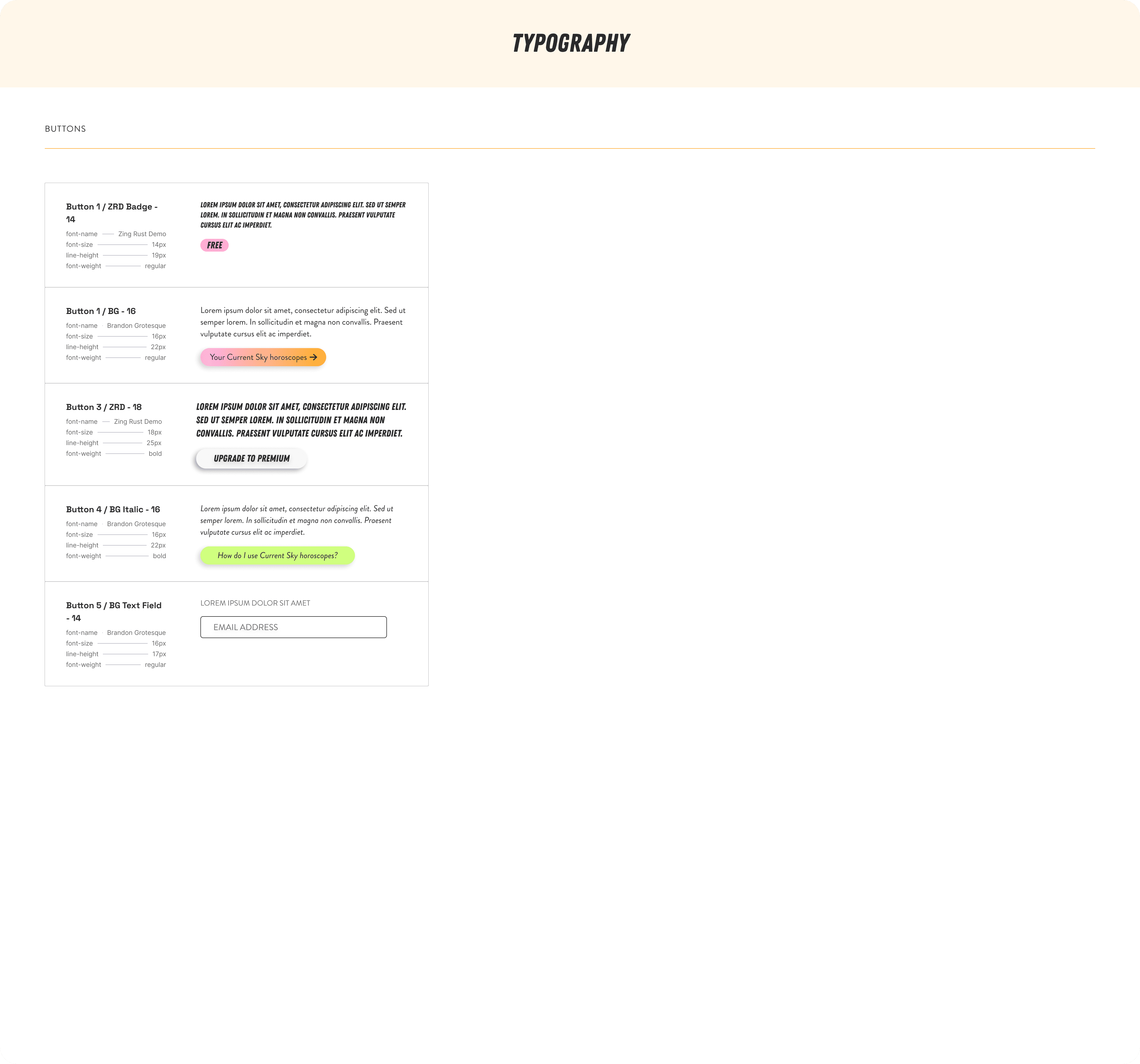
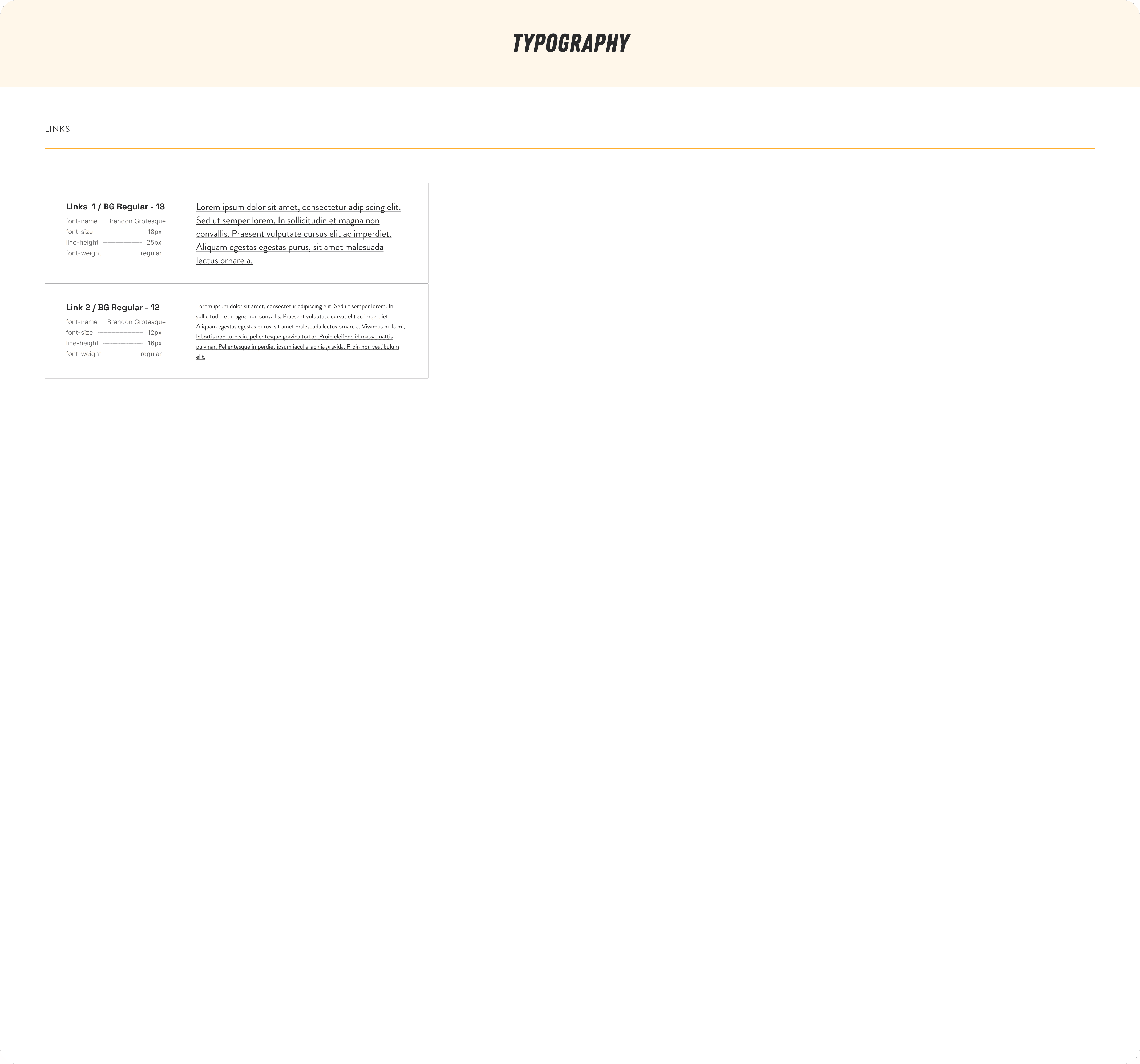
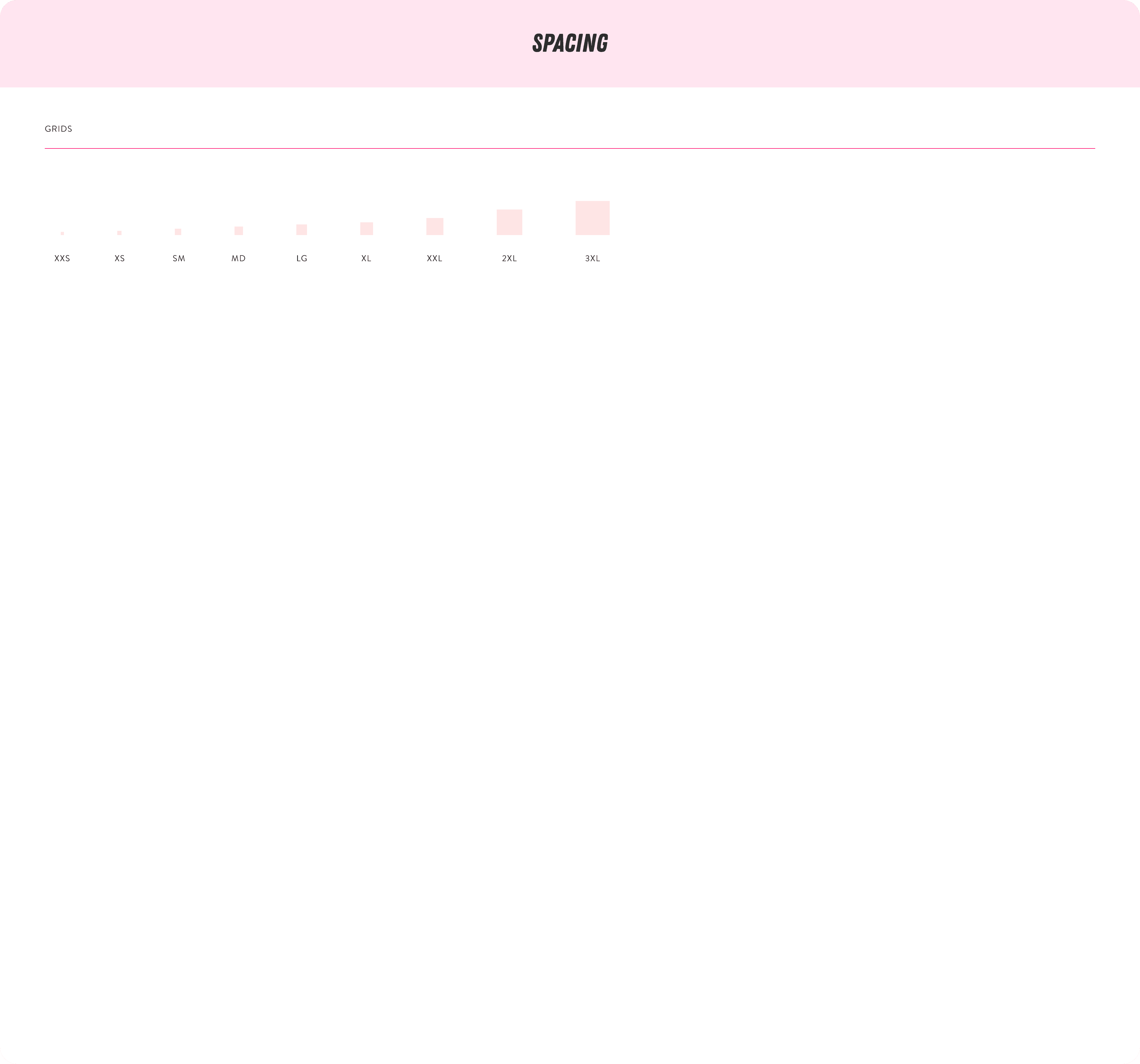
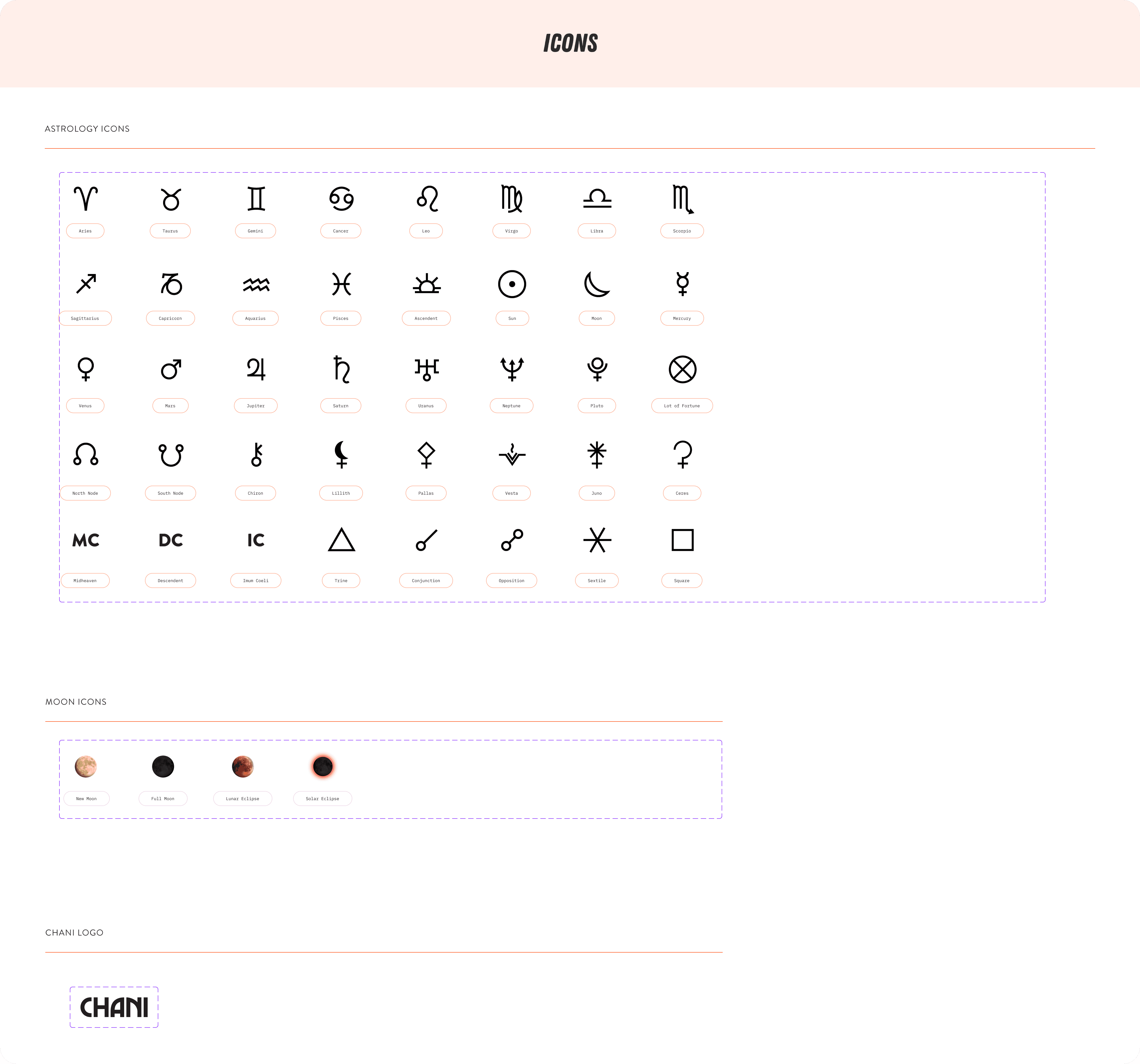
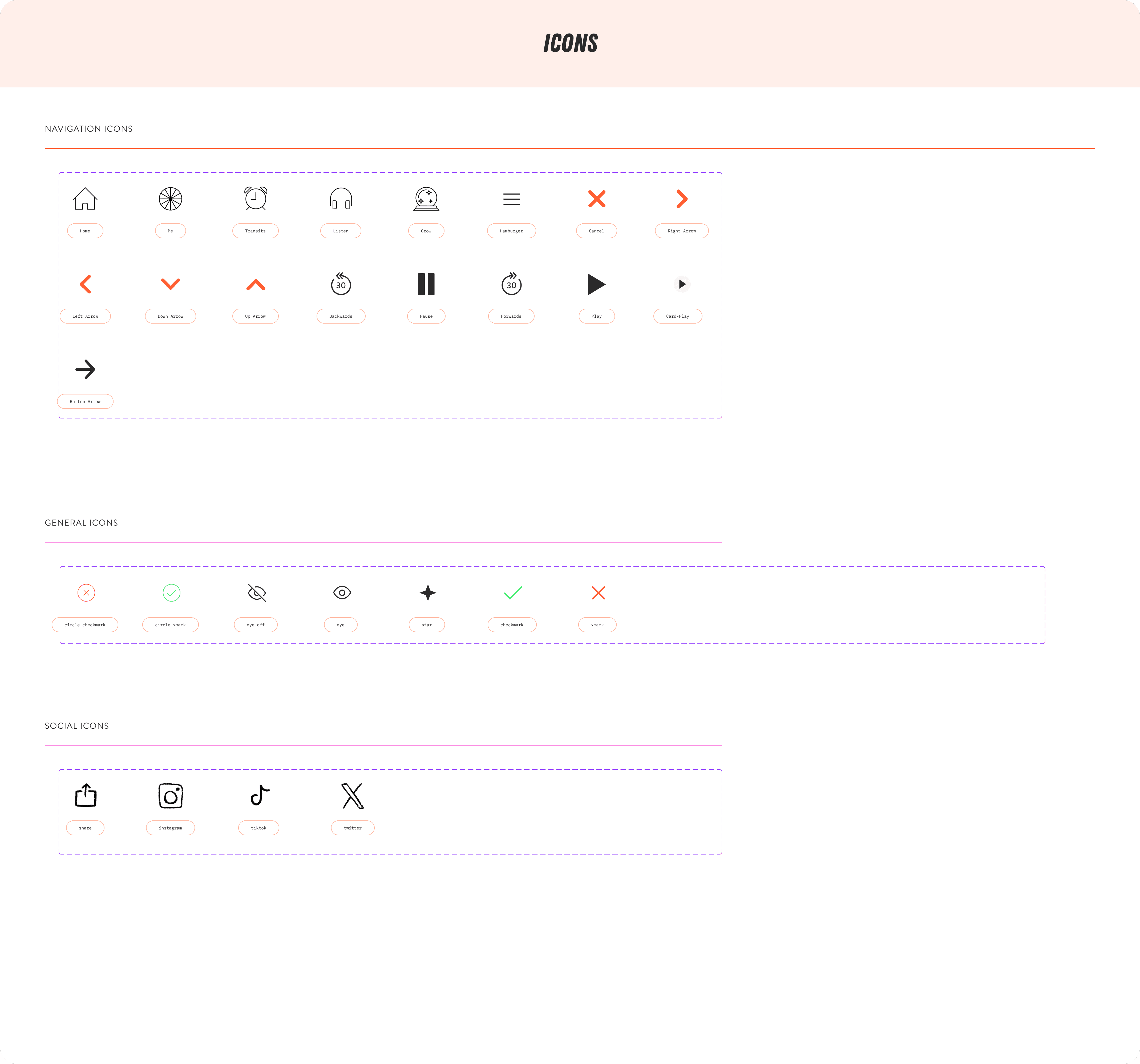
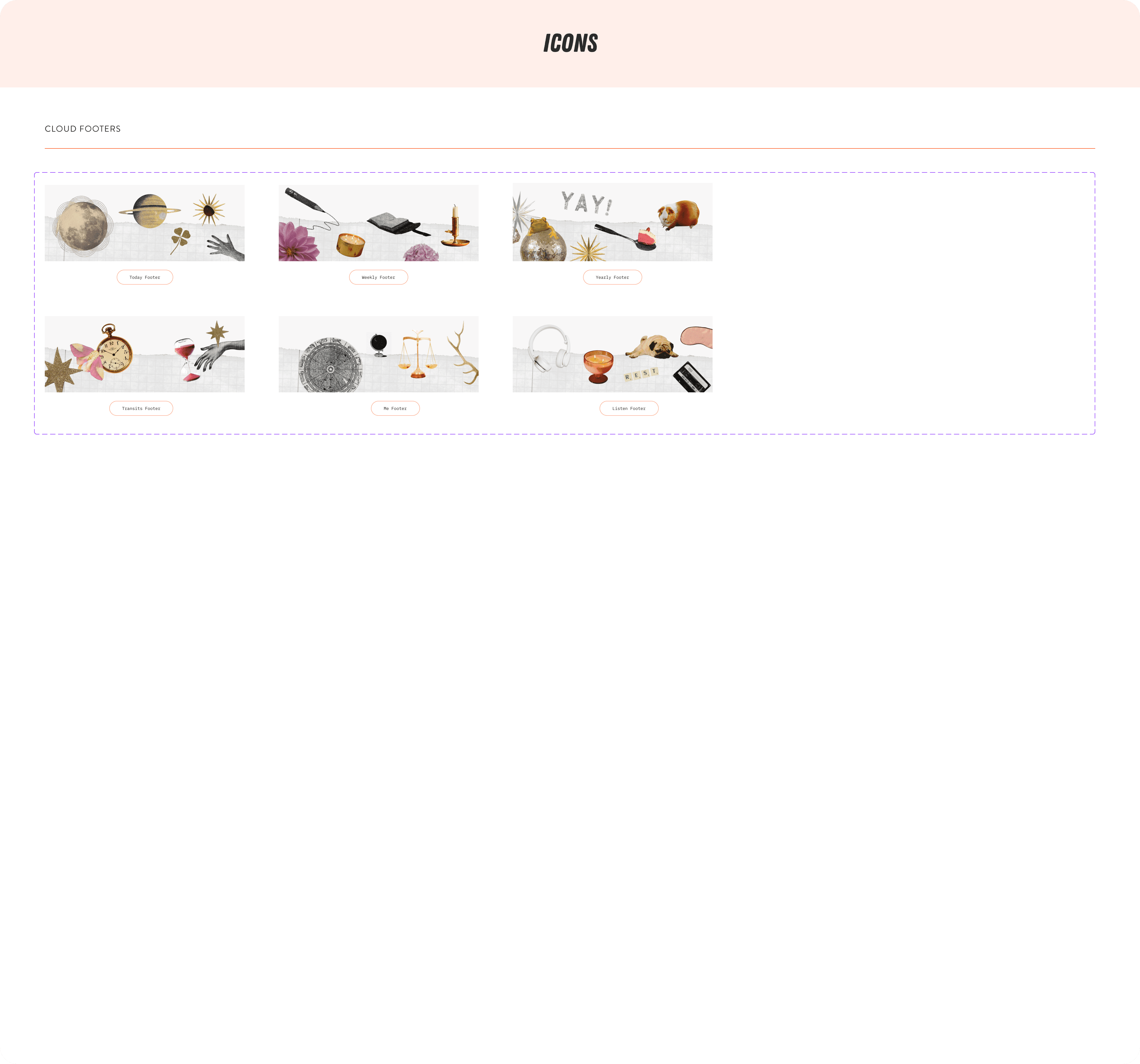
Fig. 07 - Swipe to see CHANI Design System Atoms
the final designs
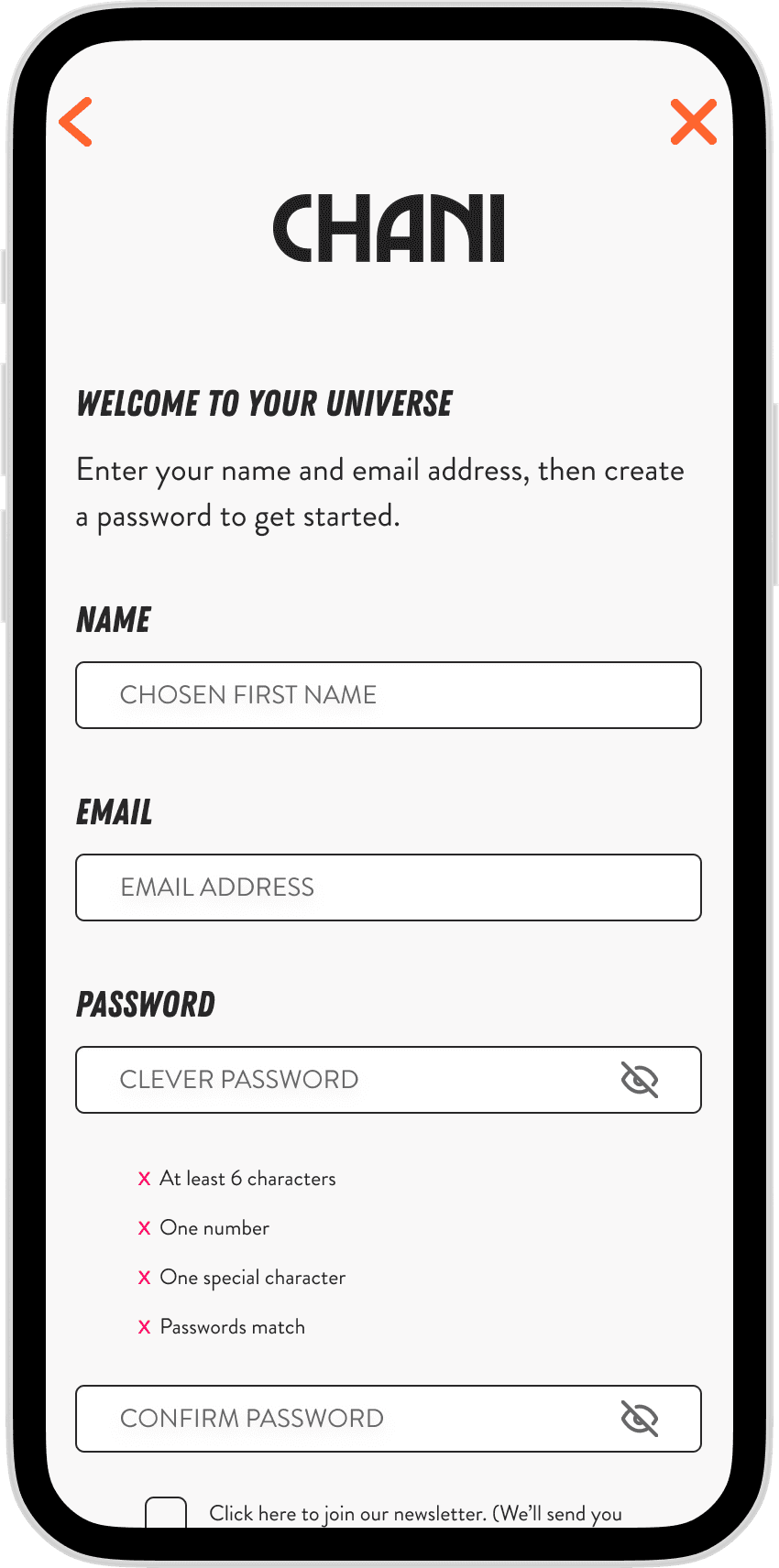
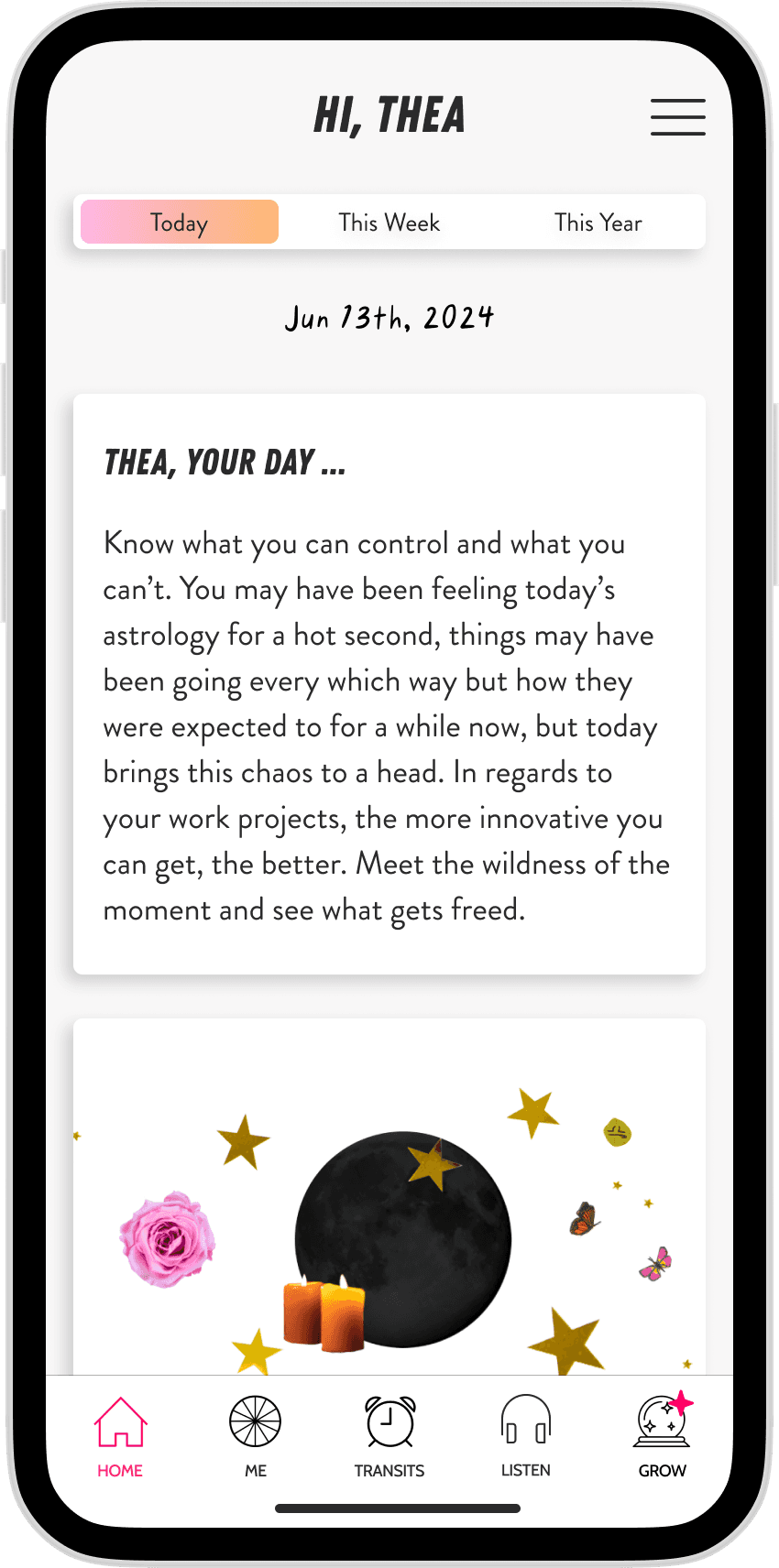
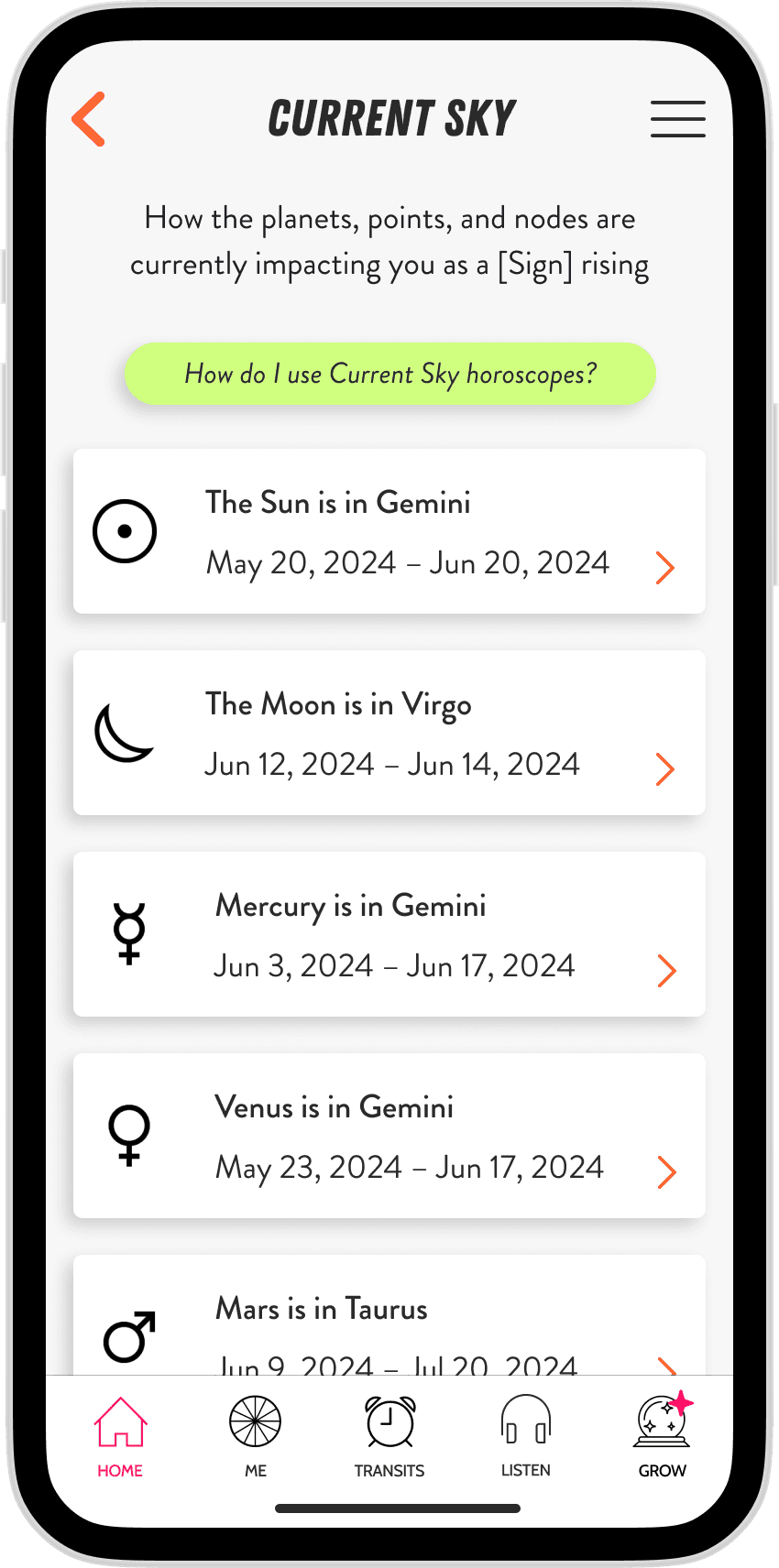
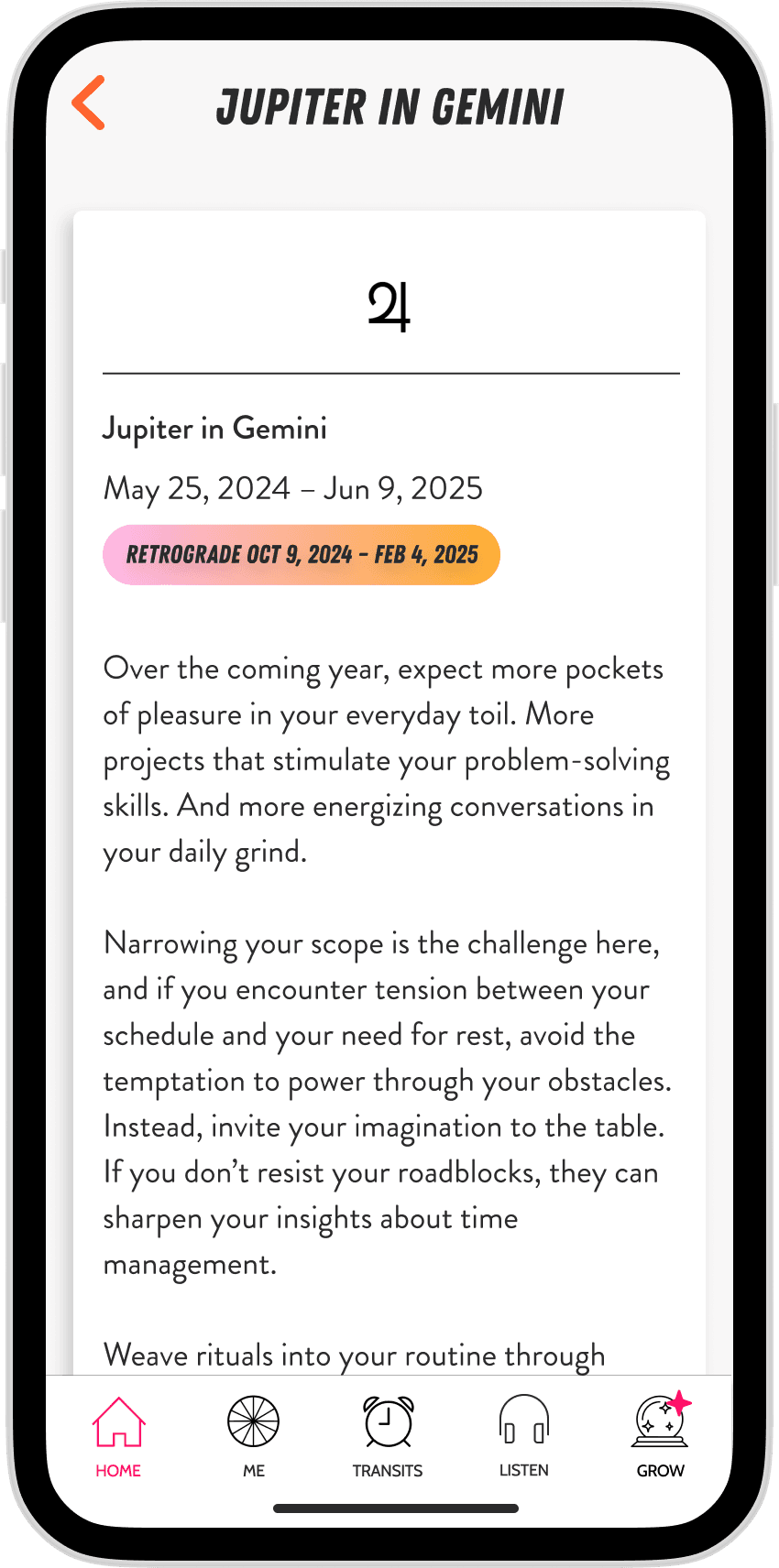
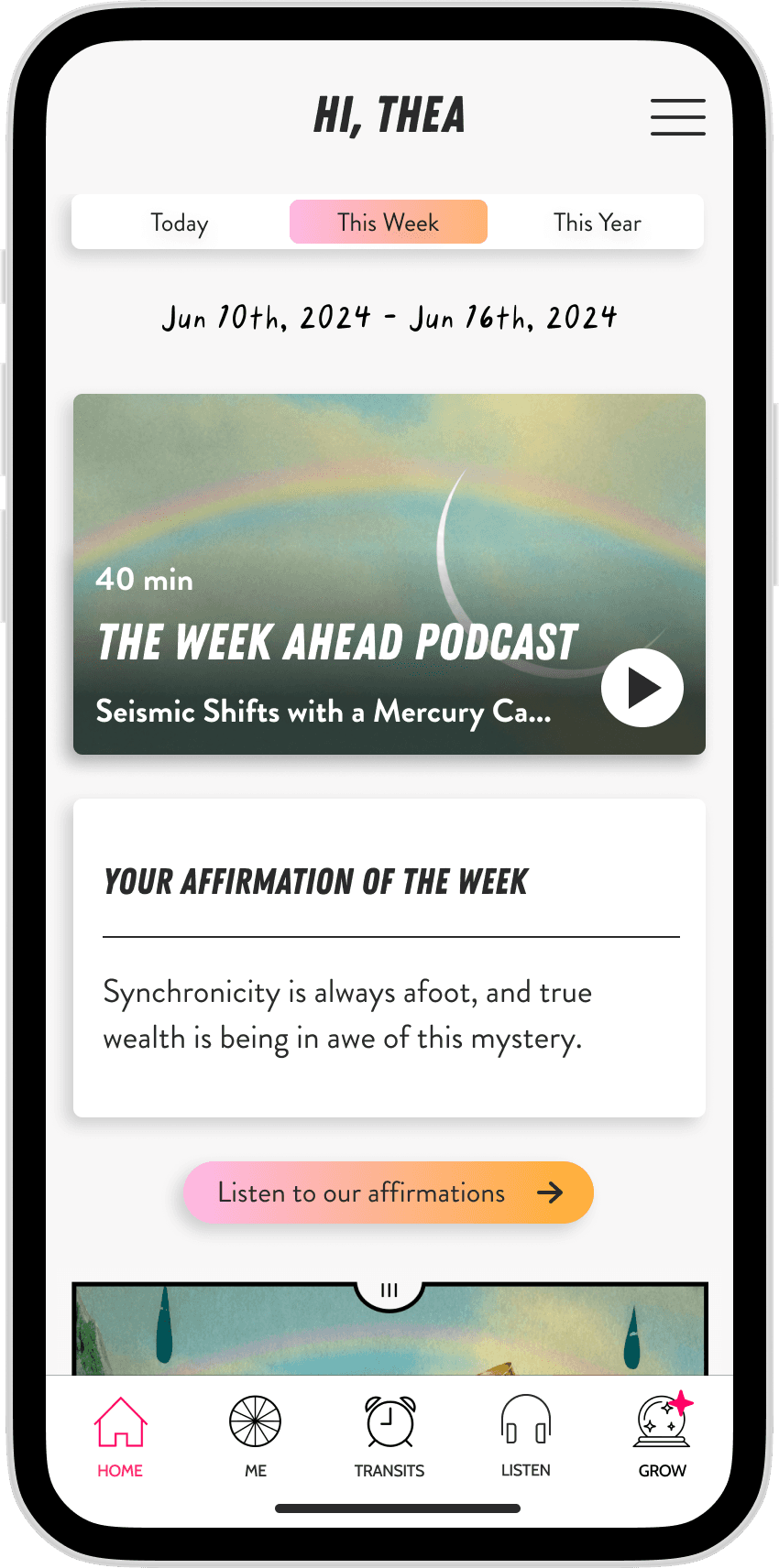
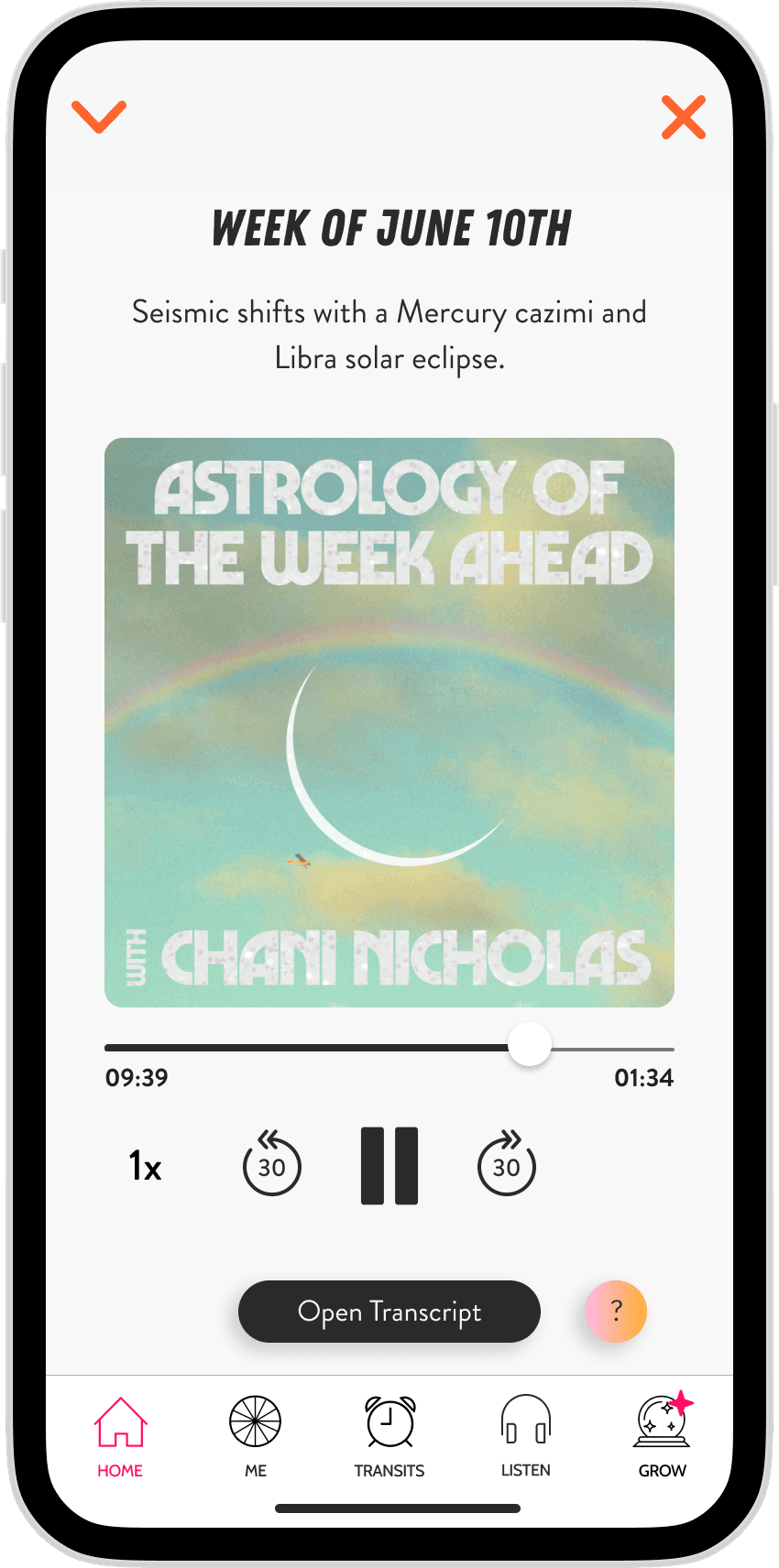
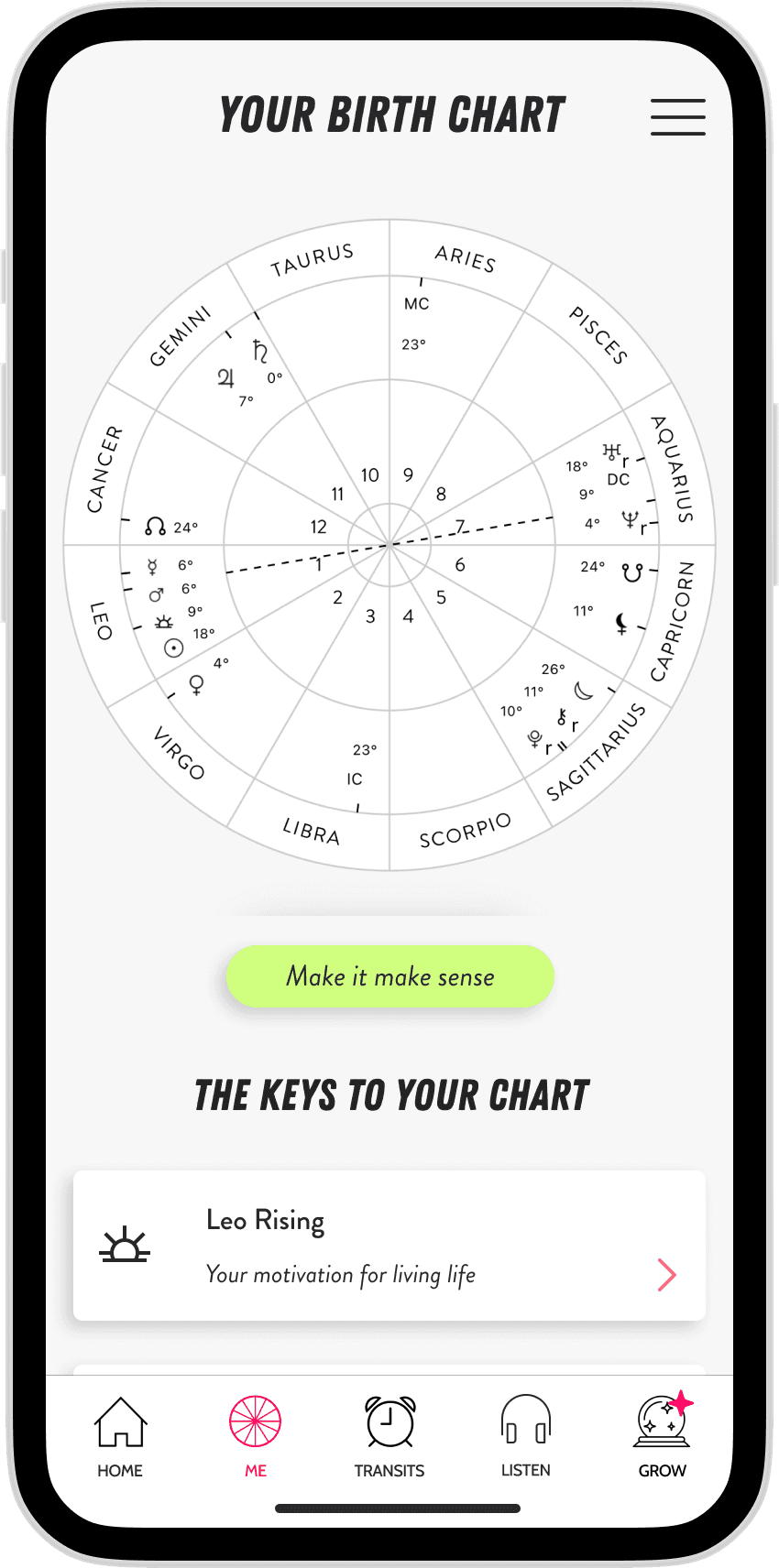
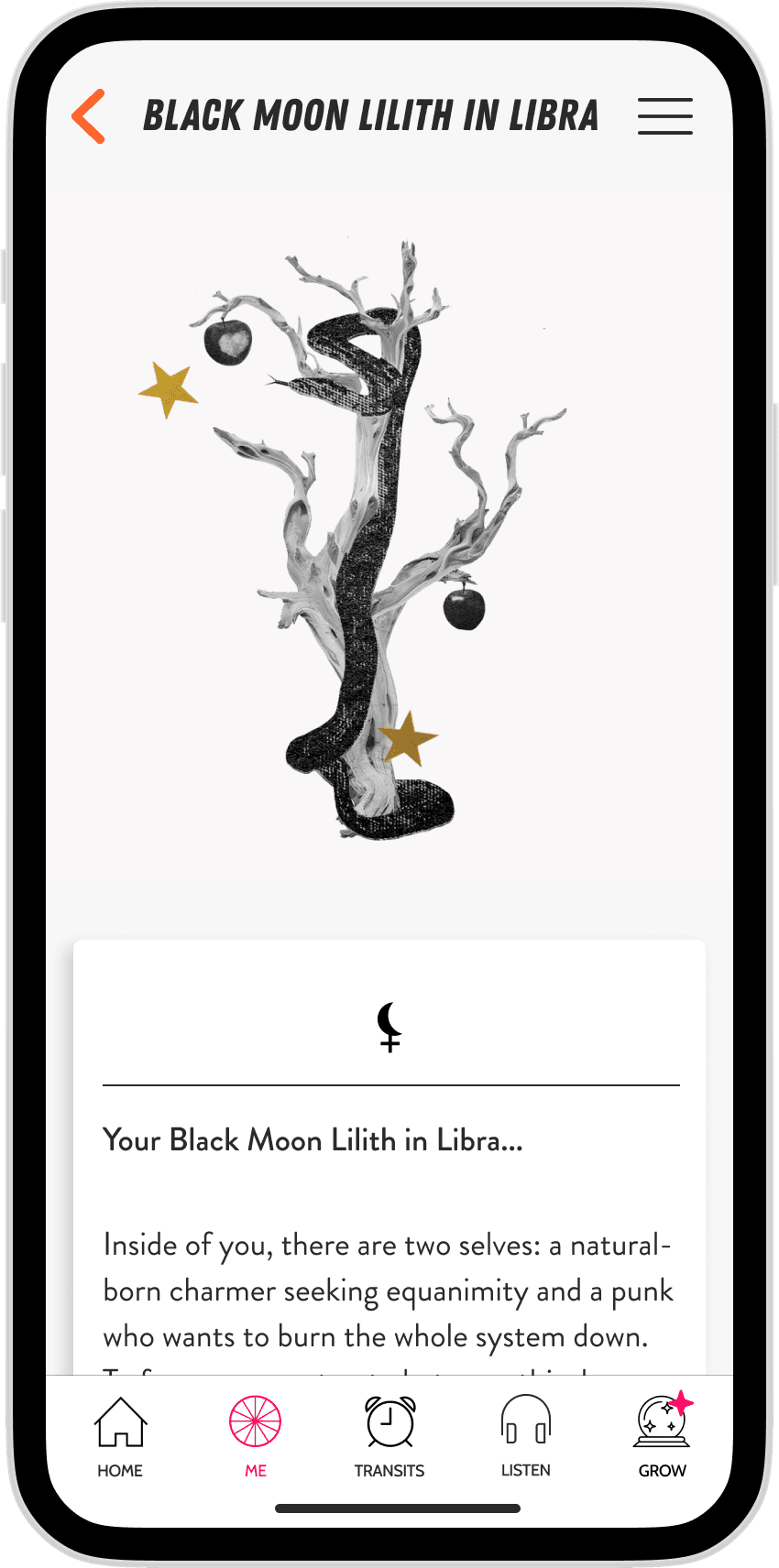
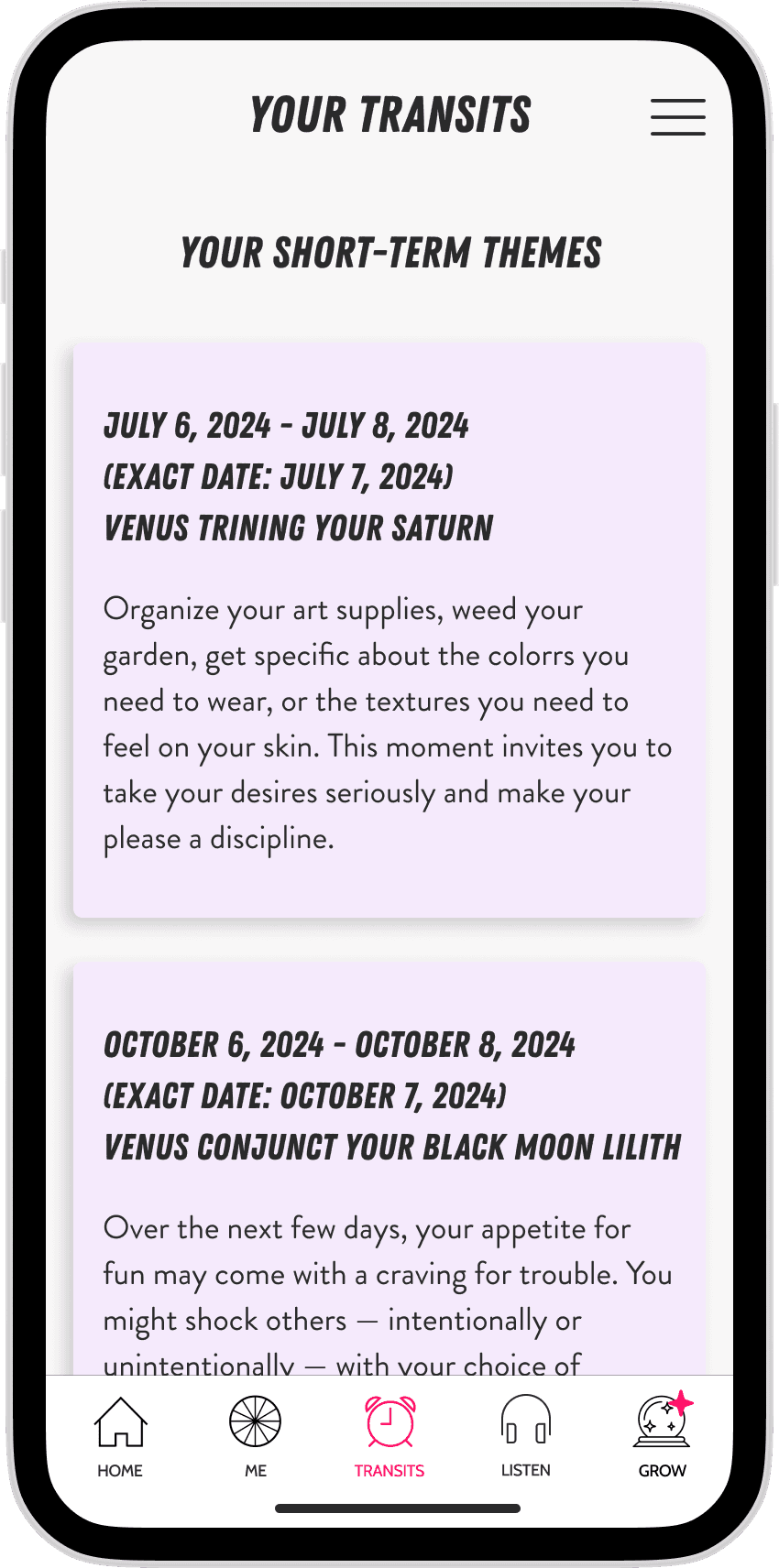
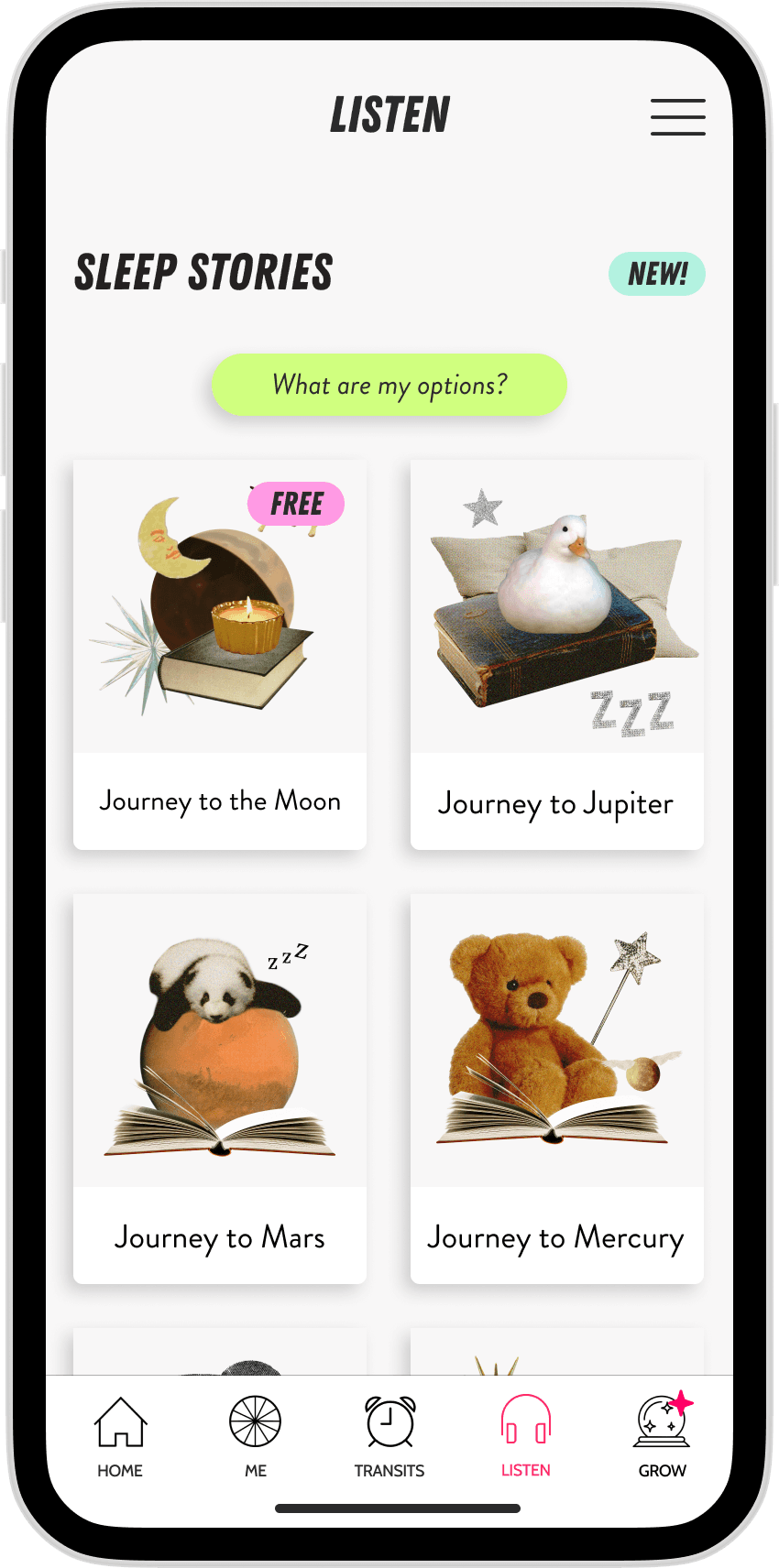
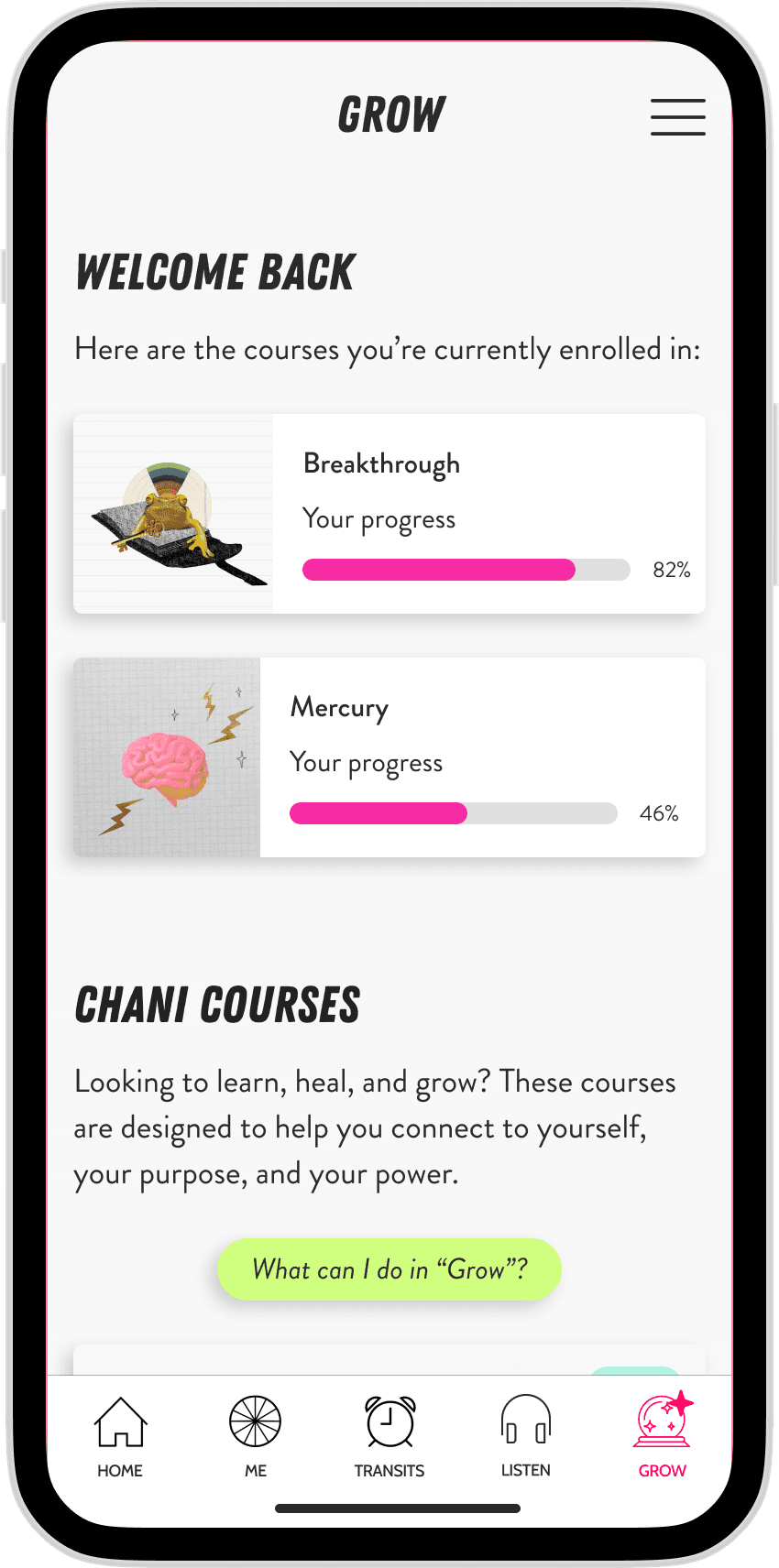
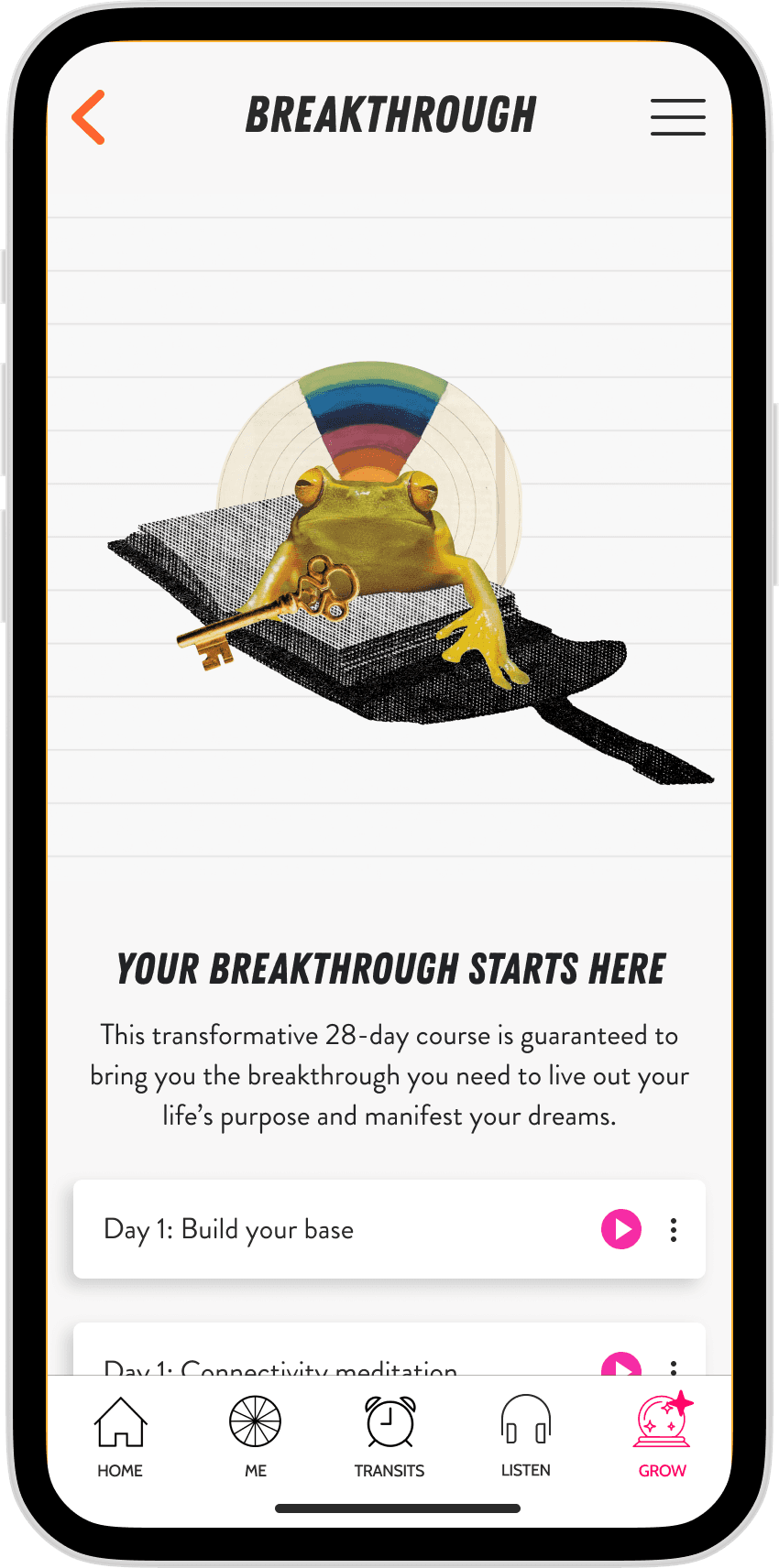
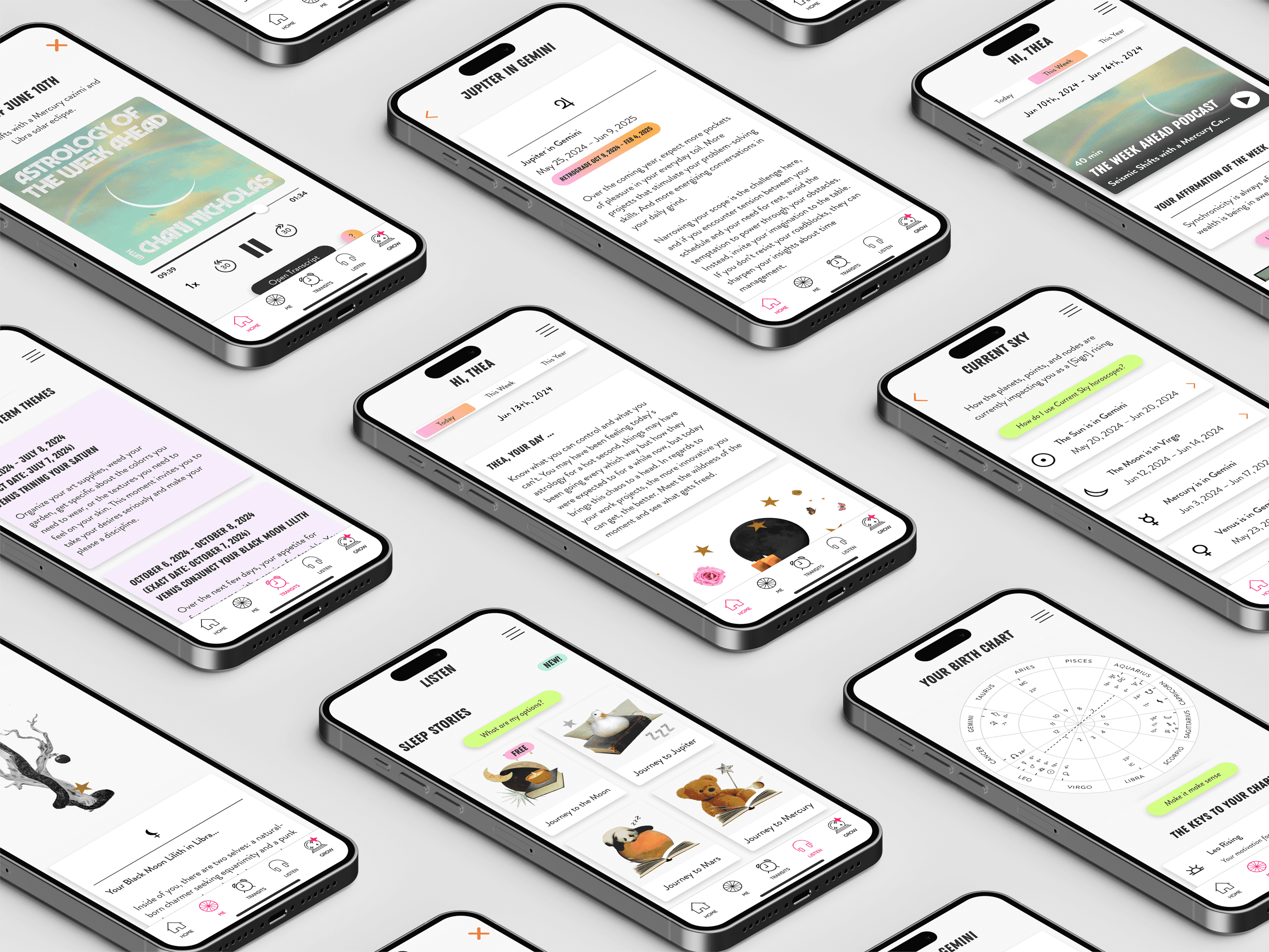
Fig. 08 - Swipe to see the CHANI App
🗣️
Every color pairing, touch target, and type size was evaluated against accessibility standards before being added to the system.
👨🏼💻
Engineering's early involvement meant the system was shaped by how it would actually be used in code and not just how it looked in Figma.
🛠️
Keeping the design system and the wireframe library as separate files meant each served a distinct purpose and stayed clean over time.
the results

Increase in user base when we launched the android app
increase in Product + Engineering efficiency
the lessons
🗣️
The most valuable thing the design system did wasn't standardize buttons, it was giving design and engineering a shared language.
When we both pointed to the same component with the same name, whole categories of misunderstanding disappeared.
👨🏼💻
Building the system with Engineering rather than handing it over at the end changed the quality of what we made.
They surfaced needs I wouldn't have thought to design for, and their buy-in made adoption effortless.
🛠️
Shipping the system was only the beginning. Maintaining it and updating the wireframe library with every release, enforcing consistency, and evolving components as the product grew, was what made it genuinely useful over time.